01
From Google Maps
Search a business by type and country, pick one, and build its site from what Maps already knows address, phone, rating, reviews. Made for restaurants, clinics and shops.
Six builders. One desktop app. Answer a few questions and watch a finished website appear real code, live in minutes, editable by describing what you want.
Windows 10 / 11 · .exe & .msi · Key on WhatsApp · from 100 DT / month
Search any business and build its site from what Google Maps already knows.
From Google Maps
Try:Restaurant · Tunisia·Clinic · Tunisia·Hairdresser · Tunisia
3 results · restaurant in Tunisia
Either you pay someone and wait or nothing happens.
A simple site can cost hundreds, and every small change means another invoice.
You wait weeks for a delivery that still needs your text, photos and prices.
Drag-and-drop still means design decisions, layout work and hosting setup.
Pick the builder that fits what you're making. The app fills the site from what you give it or what Google Maps already knows.
Search a business by type and country, pick one, and build its site from what Maps already knows address, phone, rating, reviews. Made for restaurants, clinics and shops.
Type in your shop and add your own pictures. Products, prices and photos go on the page orders come through WhatsApp, with no cart and no payment system.
Your work, your links, your contact details a complete freelancer site in one pass.
A showreel, plus each edit linked to where it can be watched.
Brand, print and editorial work, laid out so the work is what you look at.
The sites and apps you built, each linked to where it actually runs.
The app runs eight steps here is what they feel like.
Pick the one that fits what you're making a local business, a shop, or a portfolio.
Name, description, contact details, pictures or just search and pick a business on Maps. Everything you leave blank stays blank.
One of six visual directions, plus anything in your own words. The app writes the files, builds the site and opens a live preview stage by stage.
In the Studio: “Make the hero darker and add a WhatsApp button.” Undo any change, then deploy to Vercel and get a live URL.
You watch it happen a progress panel, stage by stage, before anything goes public.
Everything on the site comes from you. The app never invents a price, a phone number, a client name, a logo or a link you didn't give it.
↳Not a slogan it is a rule in the app: blanks stay blank.
What it will never invent
No code, no templates, no drag-and-drop and a real project at the end.
You describe the business the app writes the site.
Local business, online shop and four kinds of portfolio from one app.
Turn a real business listing into a working site.
Add your own photos and text nothing is replaced behind your back.
Customers message you directly; no cart and no payment setup.
A Vite/React site you own not a locked-in export.
Plain-language edits, undo, and one-click build fixes.
Desktop, tablet and phone widths before anything is published.
Deploy to Vercel and get a live URL; re-deploy on every change.
Full right-to-left support in the app and on this page.
After setup it runs on your own machine your files stay local.
For your own business or for every client you take on.
Restaurants, clinics, shops get found on Maps and get a site that works.
Put your products online and take orders on WhatsApp, without a cart or payment setup.
Sell your work under your own name one site for you, or one for every client.
The builder form, the Studio with the preview open, and the finished site at every size.
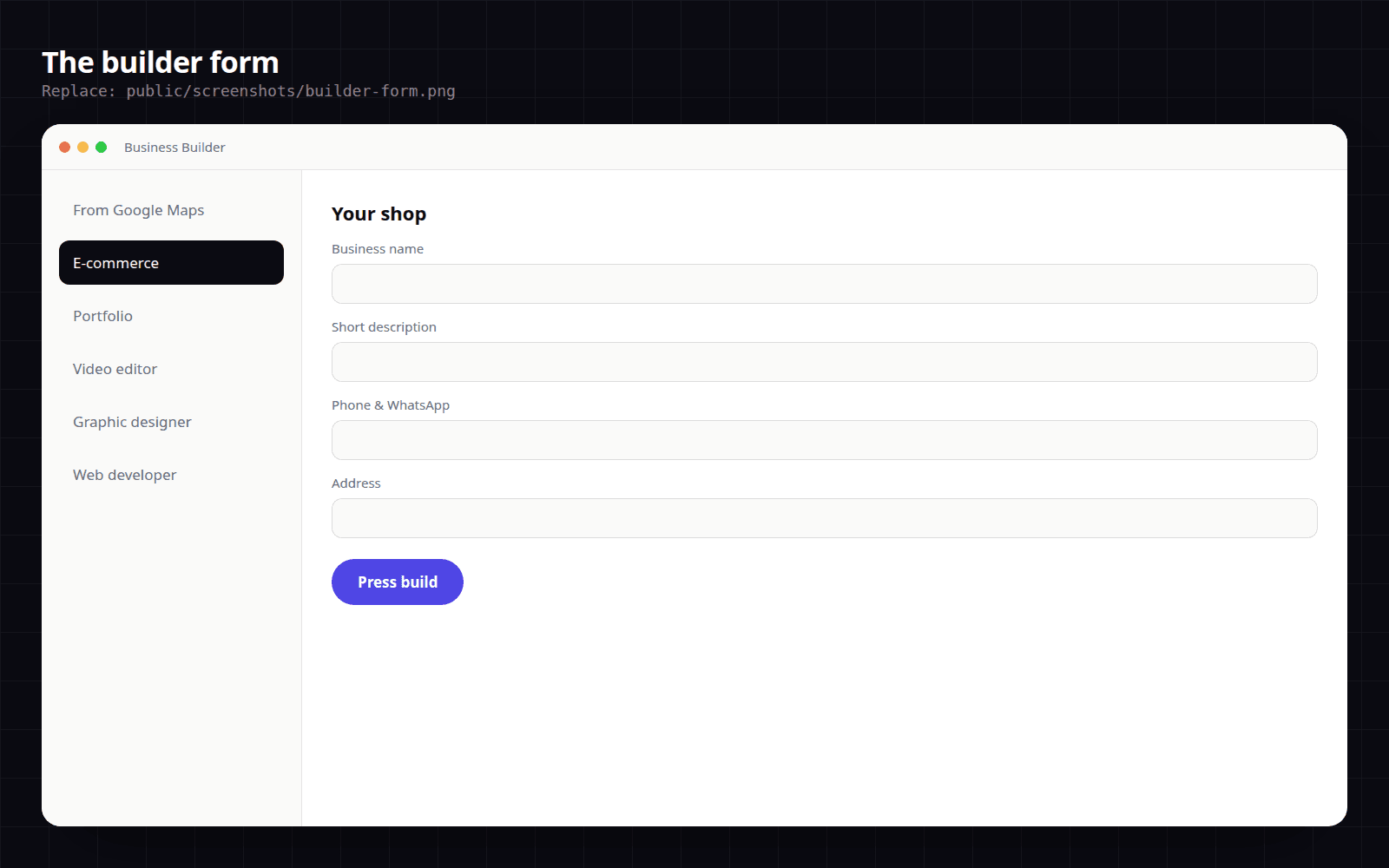
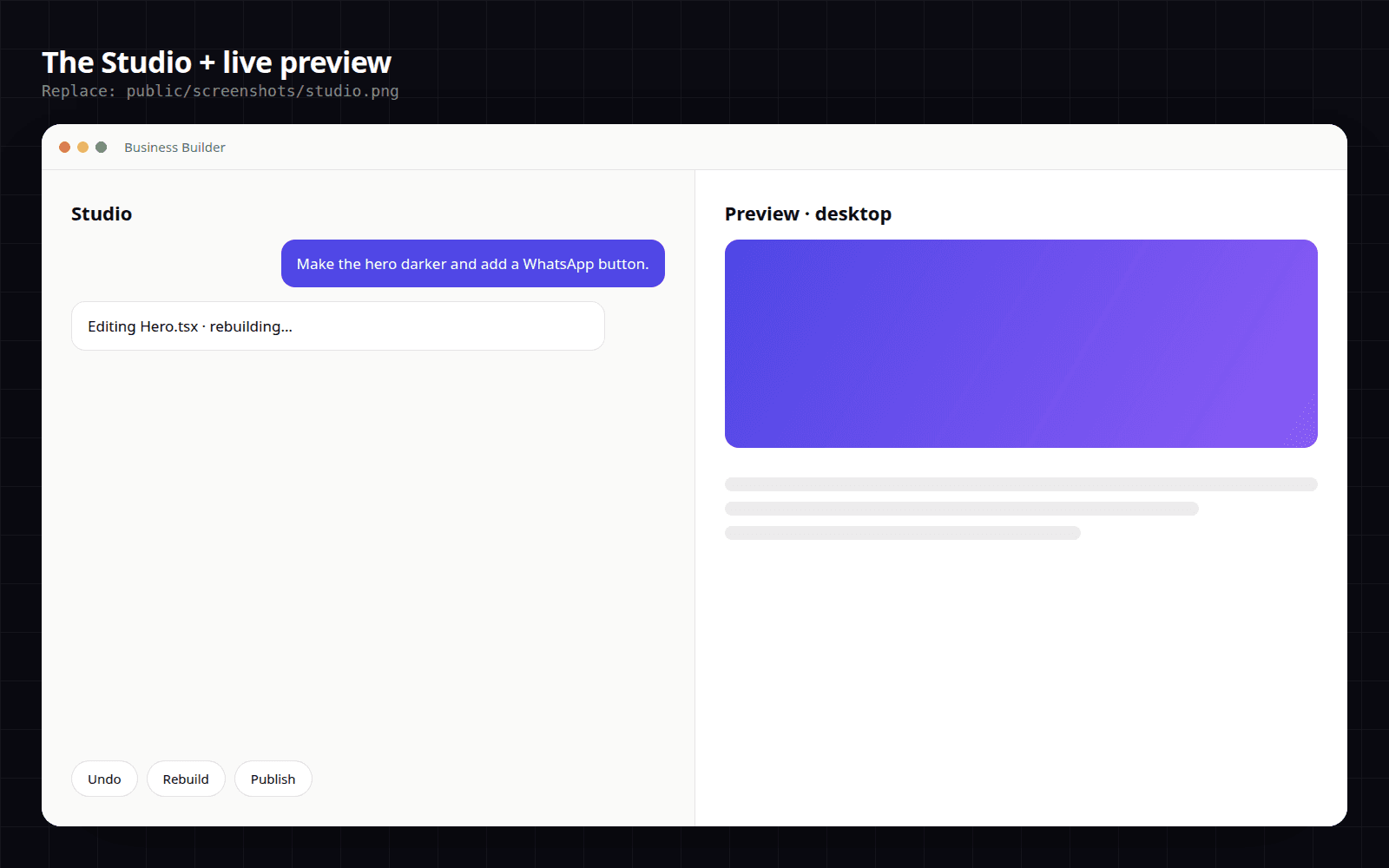
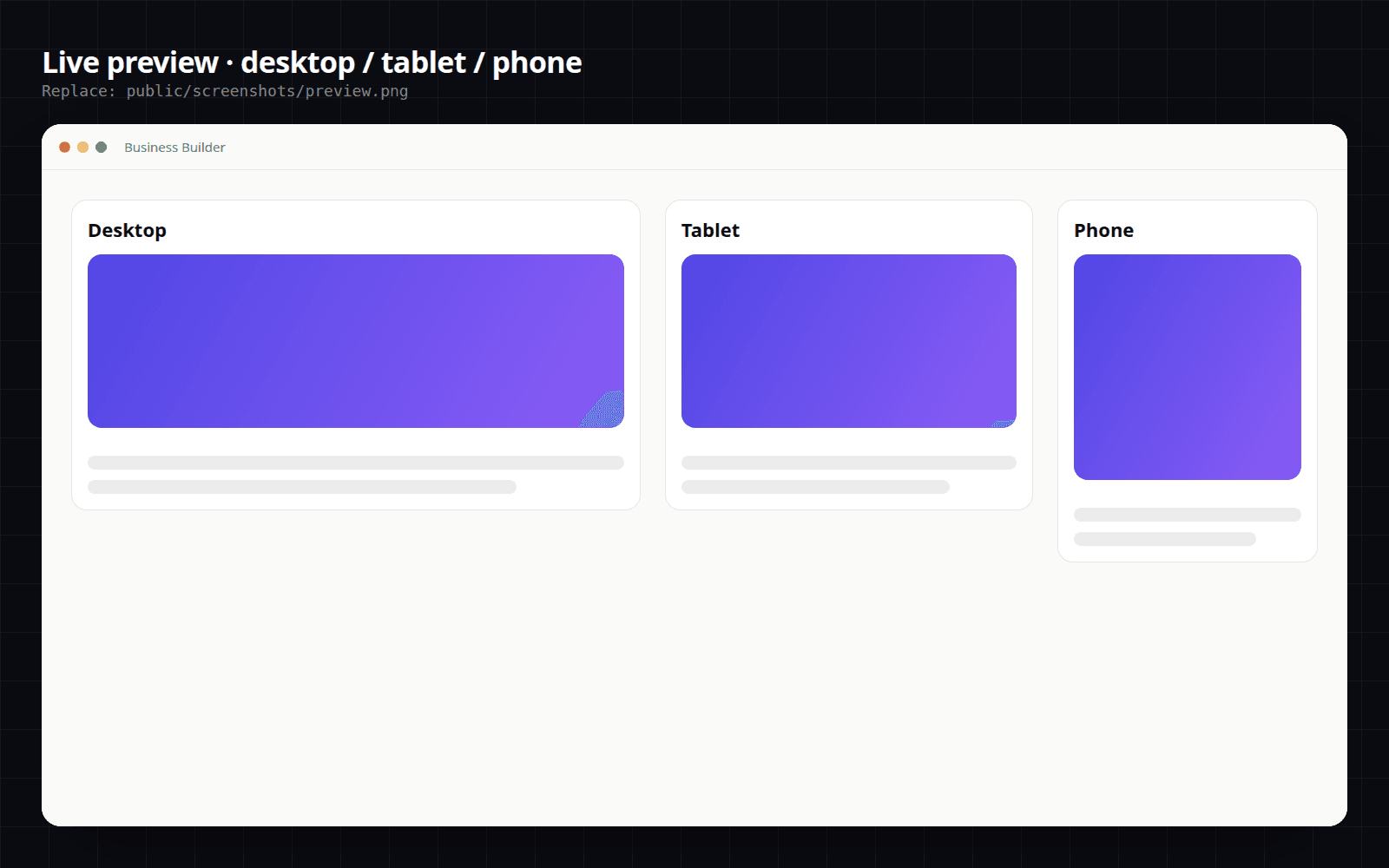
Windows installer install it, activate with your key, start building.
One-click Windows installer, simplest option for most people.
Microsoft installer package for silent and managed deployment.
●macOS or Linux? Message me on WhatsApp and we will sort it out. +216 96 588 245
About five minutes then open a builder and press build.
Download the LTS version from nodejs.org and run the installer with the default settings.
Get Node.jsRun BusinessBuilder-Setup.exe (or the .msi) and follow the installer wizard.
DownloadMessage me on WhatsApp with your plan your key is sent month by month, usually in minutes.
Message on WhatsAppPaste your monthly key, unlock your builders and press build on your first site.
✓ You are all setSent on WhatsApp. Both plans build unlimited websites the difference is which builders are unlocked.
The Google Maps builder sites from real listings.
Maps, e-commerce and every portfolio the whole app.
Prices in Tunisian dinar (TND), billed monthly. Activate on Windows with a key sent on WhatsApp.
Quick answers before you install.
No. You answer questions and press build. The app writes a real Vite/React project for you no templates, no drag-and-drop.
Download the app, get your monthly key on WhatsApp, and answer a few questions.